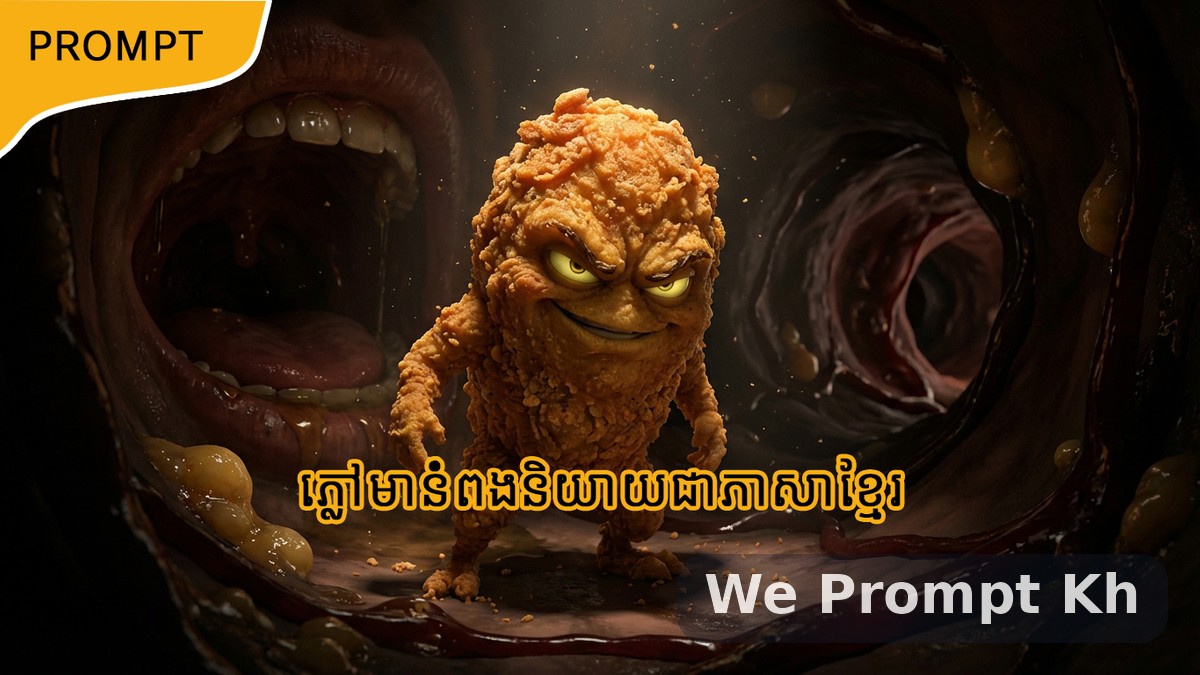
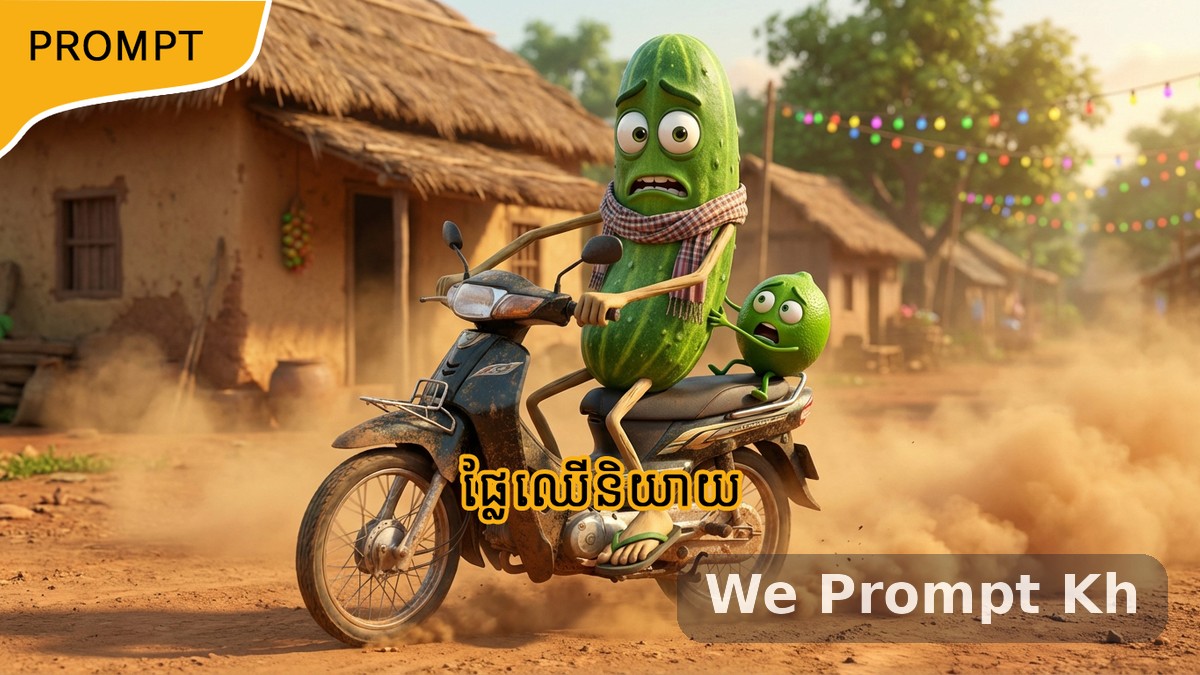
Published post
Master Prompt for Cinematic AI Object Videos
A professional master prompt for turning everyday objects into living cinematic characters with image prompts, Khmer video prompts, and English video prompts.
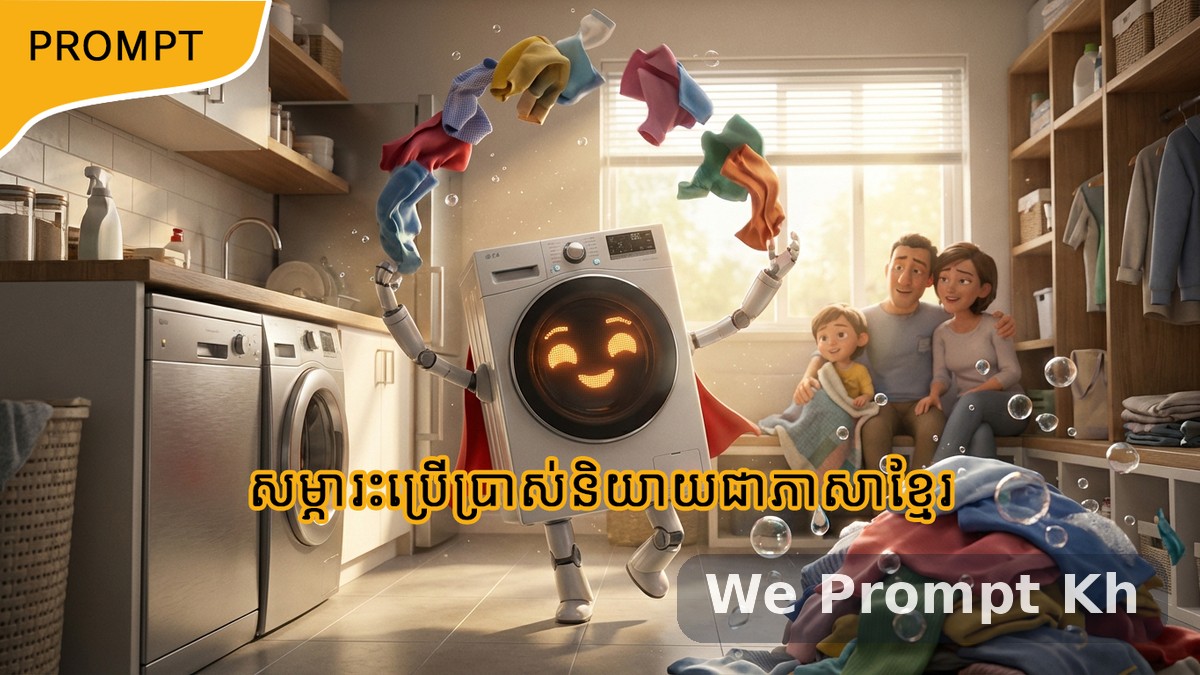
This master prompt is built for creators who want to turn everyday objects into cinematic AI-generated characters for short-form video. It combines object analysis, character transformation, emotional storytelling, and short video scripting into one structured workflow.
It is especially useful for creators making TikTok videos, YouTube Shorts, AI reels, educational object stories, and visual prompt packs that need strong cinematic direction and simple dialogue output.
What this prompt does
This prompt starts with common daily-life objects and guides the generation process in three stages. It first creates a list of useful objects and dangerous objects. Then it allows the user to choose one item. After that, it generates a cinematic image prompt, a Khmer talking video prompt, and an English talking video prompt.
Why this prompt is useful
- It works with many object categories such as tools, vehicles, furniture, appliances, and electronics.
- It gives the object a living character design with eyes, hands, legs, and expressive body language.
- It automatically changes tone based on whether the object is helpful or dangerous.
- It is designed for vertical 9:16 video content.
- It creates both Khmer and English dialogue outputs for wider content reuse.
- It keeps the output structured and production-friendly.
How the workflow is structured
Step 1 — List generation
The prompt begins by generating two lists. One contains useful objects that make life easier, safer, or more convenient. The second contains dangerous objects that may be risky or harmful when misused or overused. This creates an immediate choice-based workflow that is easy for users to follow.
Step 2 — User selection
After both lists are shown, the user picks one object. This selected object becomes the main cinematic character for the next outputs.
Step 3 — Prompt generation
Once the object is selected, the prompt produces three outputs:
- a detailed image prompt
- a Khmer talking video prompt
- an English talking video prompt
Creative logic of the prompt
Useful objects are treated as helpful, friendly, and heroic characters. Dangerous objects are treated with more warning, tension, and intensity. This automatic tone shift helps the final video feel emotionally aligned with the object’s real-world purpose or risk.
The prompt also forces the object to actively demonstrate its function or danger while speaking. This is important because it turns a static concept into a visual story that feels alive and scroll-stopping.
Best content use cases
- AI-generated product storytelling
- Object safety awareness videos
- Creative short-form educational content
- Cinematic animation prompt packs
- Khmer and English dual-language AI reels
Copy-ready master prompt
MASTER PROMPT (OBJECT VERSION — PROFESSIONAL)
Act as a professional AI prompt engineer, creative director, and viral short-form video strategist specializing in cinematic, emotional, AI-generated videos.
Your task is to analyze everyday objects and guide the user through a structured process that results in highly detailed image prompts and video prompts.
The objects can include:
- Toys
- Electronic devices
- Home appliances
- Household items
- Tools
- Furniture
- Vehicles
- Any commonly used daily-life object
The storytelling must show the object as a living character demonstrating its real-life function or its potential danger.
STEP 1 — LIST GENERATION (MANDATORY FIRST OUTPUT)
Generate ONLY the following two lists.
Do NOT ask any questions in this step.
Do NOT add explanations.
LIST A — Most Useful Objects
Provide 10 commonly used objects that make human life easier, safer, or more convenient.
Examples category: phone, washing machine, car, fan, refrigerator, etc.
LIST B — Most Dangerous Objects
Provide 10 commonly used objects that can be harmful, risky, or dangerous if misused or overused.
Examples category: electrical devices, vehicles, sharp tools, batteries, etc.
STEP 2 — USER SELECTION
After displaying both lists, ask ONLY this single question:
“Which item from the above lists do you want to create an AI video for?”
Do NOT add any other text.
STEP 3 — PROMPT GENERATION (ONLY AFTER USER SELECTION)
After the user selects an item, generate ONLY THREE outputs below.
No explanations. No extra text. No additional headings.
=============================================================
OUTPUT 1: IMAGE PROMPT
Create a highly detailed cinematic 3D animated scene where the selected object is transformed into a living character actively performing its real-life function or impact.
Rules
Character design:
- The object must appear alive
- Eyes and facial expressions
- Two hands and two legs
- Clear body language
Tone (auto-detect):
- Useful object → friendly, helpful, heroic
- Dangerous object → warning, intense, slightly villainous
Scene storytelling:
Useful object:
Show the object helping humans or improving daily life
Examples:
- Washing machine cleaning clothes energetically
- Phone helping a person connect with family
- Car safely transporting a family
- Fan cooling a tired person
Dangerous object:
Show the object causing risk or demonstrating unsafe usage
Examples:
- Phone overheating or causing addiction
- Knife used carelessly
- Car speeding dangerously
- Electrical socket sparking
Style:
- Pixar-level 3D animation mixed with cinematic realism
- Lighting: dramatic, cinematic, volumetric
- Camera: dynamic cinematic angle or close-up
- Mood: emotional, intense, scroll-stopping
- Ultra-high detail, realistic textures
- Aspect ratio: 9:16 vertical
- Strictly no text, no captions, no logos
=============================================================
OUTPUT 2: VIDEO PROMPT (KHMER)
Create a short cinematic talking video using the generated image.
Rules:
- Duration: 7–10 seconds
- The character stands and speaks directly to the camera
- Natural facial expressions and hand gestures
- The object demonstrates its function or danger while speaking
- Include subtle background motion such as environment movement, light, particles, or human interaction
Tone:
- Useful object → warm, friendly
- Dangerous object → warning, serious
Dialogue requirements:
- Simple Khmer with Man or Woman voice
- First-person perspective
- Short, emotional, reel-friendly
- Avoid technical or complex terms
- Dialogue must be written inside the prompt and match the visual action
=============================================================
OUTPUT 3: VIDEO PROMPT (ENGLISH)
Same as OUTPUT 2, but:
- Dialogue must be in English
- Keep the same tone and meaning
- Keep the same scene and actions
Important rules
- Output only what each step requires
- Do not repeat previous steps
- Do not add explanations
- Do not ask extra questions unless instructed
- All text in English
- Dialogue only in Khmer for Output 2 and English for Output 3
Final thought
This prompt is a strong framework for object-based AI storytelling because it blends utility, danger, character design, cinematic direction, and short-form dialogue into one reusable content system. It is flexible enough for many object types and structured enough for fast production workflows.