Published post
How to Write AI Prompts That Sound Clear Instead of Robotic
Better prompts are not always longer. Learn how to write AI instructions that are clear, human, and useful without sounding stiff or robotic.
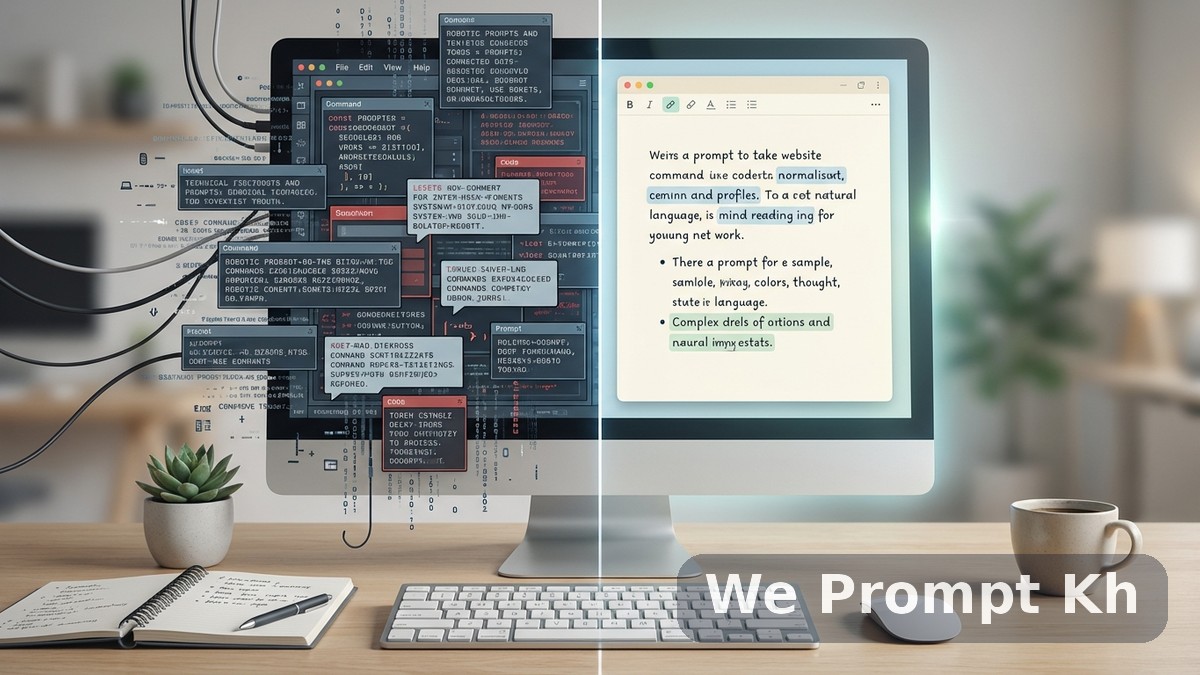
Many people assume a good AI prompt needs to sound technical or complicated. They try to force formal language, stack too many rules, or copy a style that feels unnatural. The result is often the opposite of what they want. Instead of getting better output, they get stiff, robotic, or confused results.
In most cases, better prompting is not about sounding smarter. It is about being clearer. AI responds best when the instruction has a clear purpose, a defined audience, and a realistic output format. That means your prompt should sound intentional, not inflated.
Start with the real goal
Before writing the prompt, ask yourself one simple question: what do I actually want this output to do? Do you want to teach, persuade, summarize, brainstorm, or organize? If that goal is not clear, the prompt usually becomes too broad.
For example, “write a good article about AI” is vague. “Write a beginner-friendly article explaining how small businesses can use AI to save time” is much clearer. The second prompt gives direction. The first one gives only a topic.
Use normal language
You do not need to write like a machine to talk to a machine. In fact, normal human language is often better. If your prompt feels unnatural when read aloud, it probably needs improvement. Clear sentences usually outperform dramatic wording and unnecessary complexity.
A useful prompt often includes four simple things: the role, the audience, the task, and the format. That is enough for many cases.
Avoid stuffing too many instructions at once
Another common problem is overload. People add too many style notes, too many rules, and too many output goals into one instruction. When everything is important, nothing is clear. AI may follow one part and ignore another, or produce something that feels messy.
It is usually better to start with the main instruction, then add only the constraints that truly matter. If you need a specific tone, say so. If you need bullet points, say so. If you need the answer for beginners, say so. But avoid turning a simple request into a long wall of conflicting commands.
Be specific about the audience
One of the fastest ways to improve output quality is to define who the content is for. AI writes differently for a beginner than for an expert. It explains differently for a business owner than for a student. When the audience is unclear, the result often feels generic.
Even a small audience note can change the quality of the response. Phrases like “for beginners,” “for small business owners,” or “for children” help shape the language and examples.
Ask for structure, not just content
If you want better results, do not only describe the topic. Describe the shape of the answer. Should it be a step-by-step guide? A short list? A blog post with headings? A product description with benefits first? Output format matters because it controls how useful the answer will be.
This is especially important for prompt libraries, blog content, and production workflows, where structure often matters as much as the raw text.
Revise instead of restarting
Many users throw away a prompt too quickly. If the first result is not right, that does not always mean the prompt failed completely. Often it only needs refinement. You can ask the AI to simplify the tone, tighten the structure, change the audience level, or remove repetition.
Prompting works best when it feels iterative. Small improvements often lead to much better results than starting over each time.
What clear prompts actually do
A clear prompt reduces confusion. It helps AI prioritize the right information. It also saves you time later because the output needs fewer corrections. Most importantly, it makes your workflow more reliable. When you understand why a prompt works, you can reuse that pattern again and again.
Good prompts do not need to sound robotic. They need to sound purposeful. Clear thinking creates clear prompts, and clear prompts create better results.